Skype
- 4.1
- 1B+
- Trusted
ADVERTISEMENT
-
App NameSkype
-
CategoryCommunication
-
DeveloperSkype
-
Developer Emailskypeuploader@googlemail.com
-
Version8.150.0.125
-
Download1B+
ADVERTISEMENT
App Overview
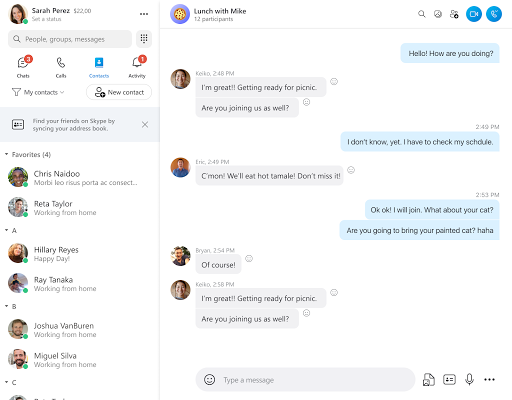
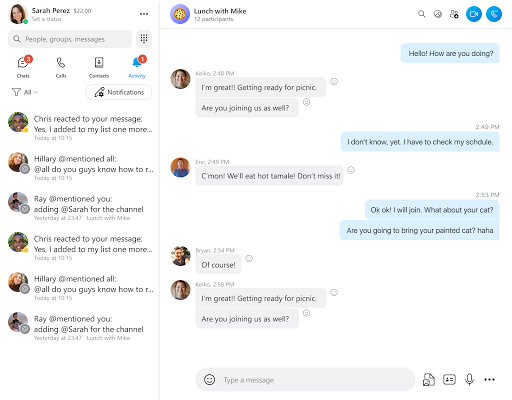
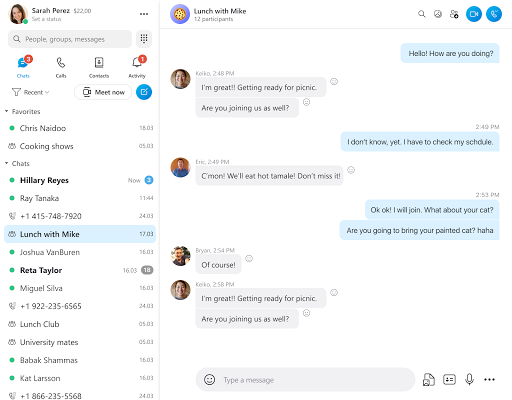
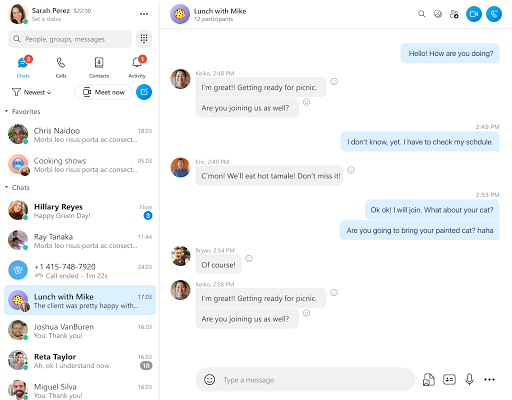
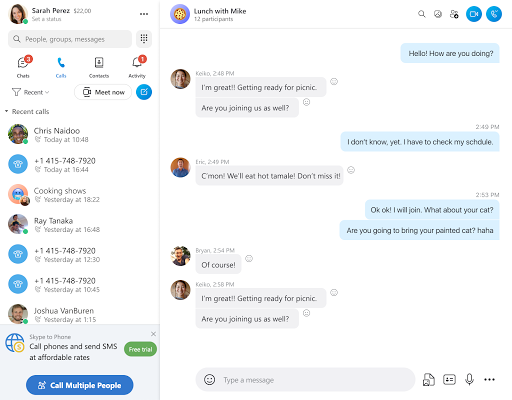
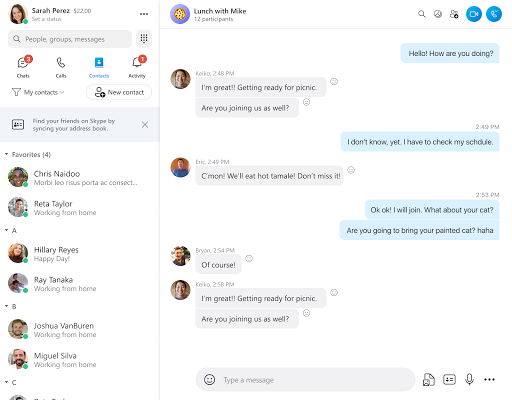
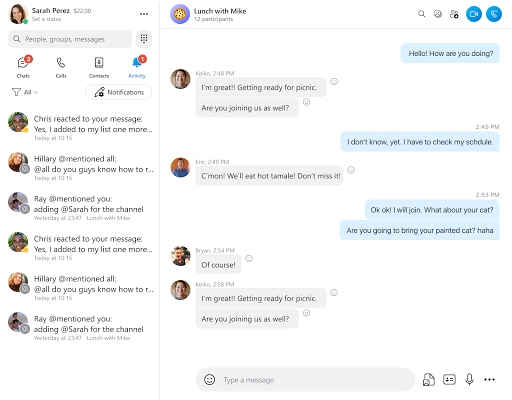
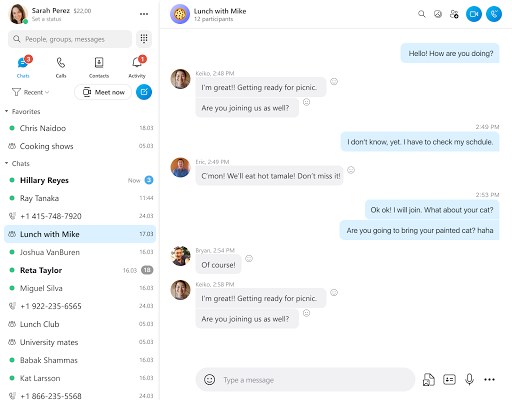
Skype is Microsoft‑owned classic VoIP instant‑messaging and calling application, once globally popular for cross‑border voice and video communication. It supports one‑on‑one and group video calls, instant chat, screen sharing, file transfer and low‑rate calls to real‑world landlines and mobile phones across countries. Its target users include families, overseas contacts and small‑team collaborators. Users who complete Skype App Download, install Skype or finish Skype free download gain core chat and Skype‑to‑Skype calling functions for free. Note: Microsoft officially retired the standalone Skype app in May 2025; new users cannot register, and new purchases of Skype Credit, subscriptions and Skype Numbers are closed to all customers. Remaining credit can only be used inside Microsoft Teams Free version via Skype dial‑up service. Users who Download Skype APK may open old installed packages, yet many backend features have been shut down。
Top Features
- Free cross‑platform Skype‑to‑Skype communication
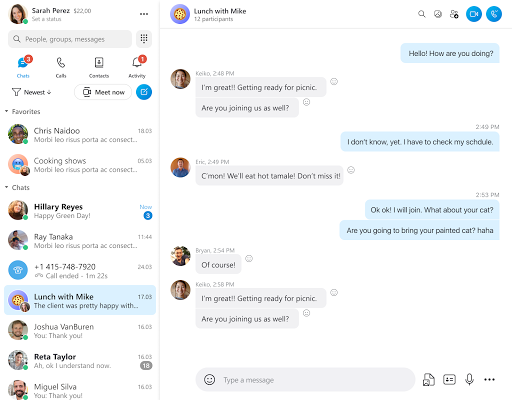
Supports unlimited‑duration free voice, HD video and text chat between Skype accounts. Group video conferences can host up to 100 participants. After you install Skype, users can connect contacts globally over internet without extra call fees。 - Practical built‑in collaborative toolkit
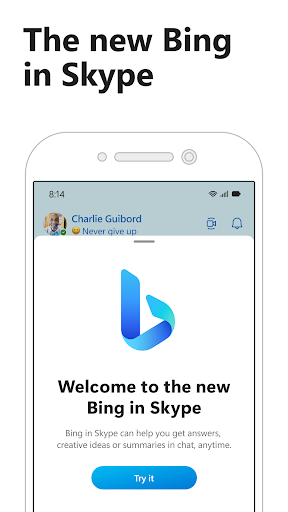
Includes call recording, real‑time live captions, screen sharing during calls, emoji reactions and file sending up to 300MB per file. It once integrated Copilot AI for message summarization and draft assistance。Skype free download unlocks all these free client‑side capabilities. - Historical low‑cost international phone‑call service
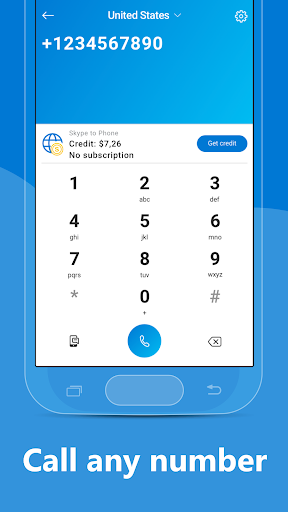
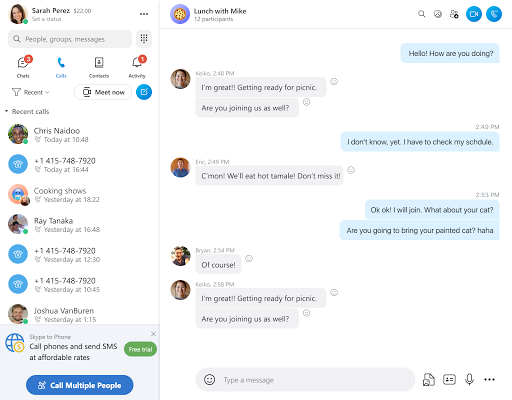
Before retirement, Skype Credit or subscription allowed users to dial ordinary mobile and landline phones worldwide at competitive rates. Remaining balances can still be consumed within Microsoft Teams after standalone app discontinuation。 - Full cross‑device compatibility
Formerly available for Windows, macOS, Linux, Android, iOS and web browser access. Chat history synchronized across logged‑in devices for continuous conversation experience。 - Light‑weight guest‑join option
No‑account guest link permitted outsiders to join temporary video meetings, convenient for quick ad‑hoc discussions without registration.
Areas for Improvement
- Official service termination for standalone application
Since May 2025, no new accounts, no new paid‑product purchases and no official bug‑fix updates. Download Skype APK from third‑party sources only yields frozen old software; partial chat and call functions may fail intermittently as back‑end services gradually phase out. Even after you install Skype and complete Skype free download, core online features will degrade over time。 - Call quality heavily relies on network environment
Under unstable internet conditions, users frequently reported audio stuttering, video freezing, dropped calls and audio‑video desync. Performance fluctuates especially during peak‑hour group video conferences。 - UI complexity for new‑comers
Over‑accumulated functions lead to cluttered menus. Novice users find settings for privacy, notifications and call parameters hard to locate quickly。 - Gradual migration pressure to Microsoft Teams
Microsoft’s strategic shift means feature iteration completely stopped for Skype. Users are forced to switch to Teams to keep enjoying Microsoft‑backed online‑meeting services, and full chat‑history migration is not seamless. - Third‑party old‑version APK security risks
APK files circulating on non‑official websites are outdated archives without security patches. Counterfeit modified Skype installers exist, risking account credential theft and privacy leakage.
User Feedback
Positive feedback recognizes Skype as a pioneer of global free internet calling. Users appreciated its cross‑border low‑rate phone‑dialing, screen‑sharing and multi‑person group‑call functions, once essential for overseas family contact and remote work. Negative comments focus on unstable call quality, bloated interface in later versions, and the sudden official retirement, forcing longtime users to migrate to Microsoft Teams. Most users acknowledge its historical value but confirm the standalone app is no longer a sustainable daily‑use solution。
Overall Evaluation
Skype is a milestone‑setting VoIP communication product, yet its standalone client has been officially discontinued by Microsoft. Existing installation packages cannot receive official maintenance, and new users cannot sign‑up.
If you attempt Skype App Download, avoid untrusted third‑party Skype APK resources. For comparable free video‑call and meeting functions, use Microsoft Teams Free instead of relying on retired Skype while enjoying former Skype‑style communication experience.
Skype
- 4.1
- 1B+
- Trusted
Install Latest APK